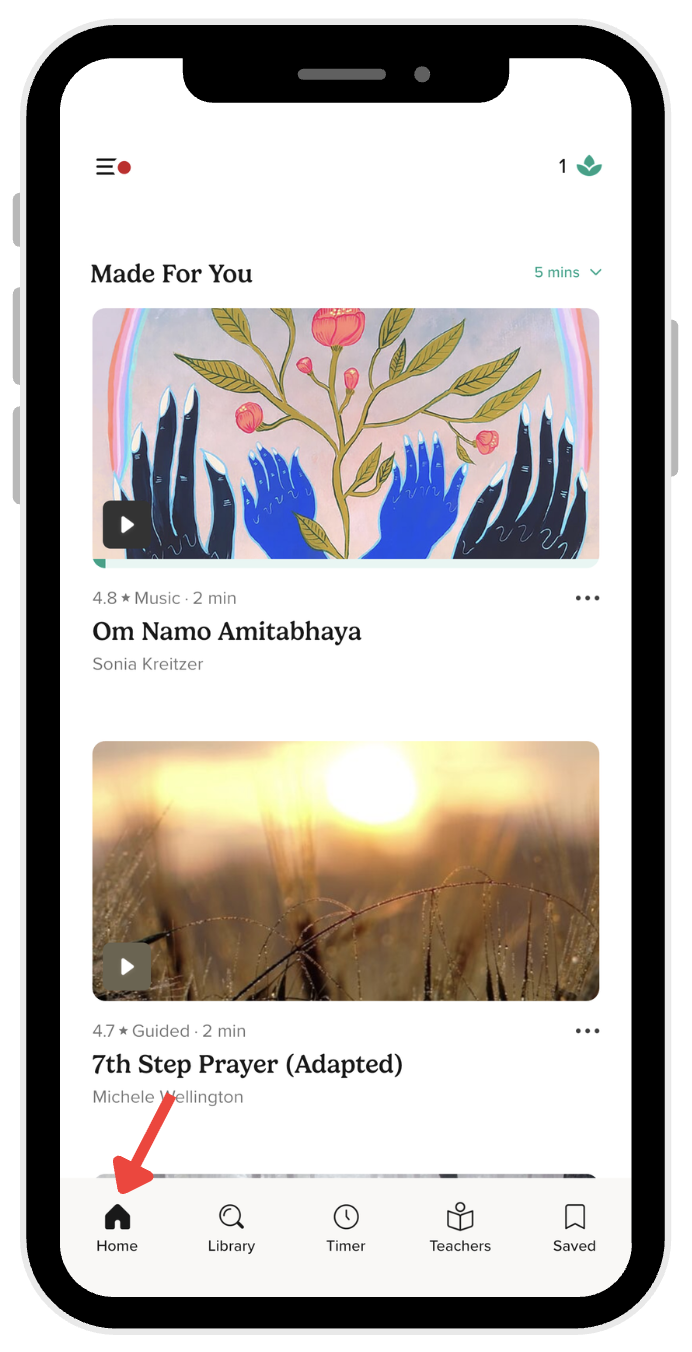
Where to find the Made for You section
The Made for You section is where we surface personalized meditation, sleep, and mindfulness practices tailored to your practice history and preferences.
Locate Made for You
- Tap the Home tab in the bottom navigation bar.
- Scroll down the Home screen.
- Look for the Made for You section to discover your personalized recommendations and suggested tracks.