Playing a track on repeat is a great way to maintain focus, extend your meditation session, or deepen your practice with the same guidance.
Enable Repeat Mode
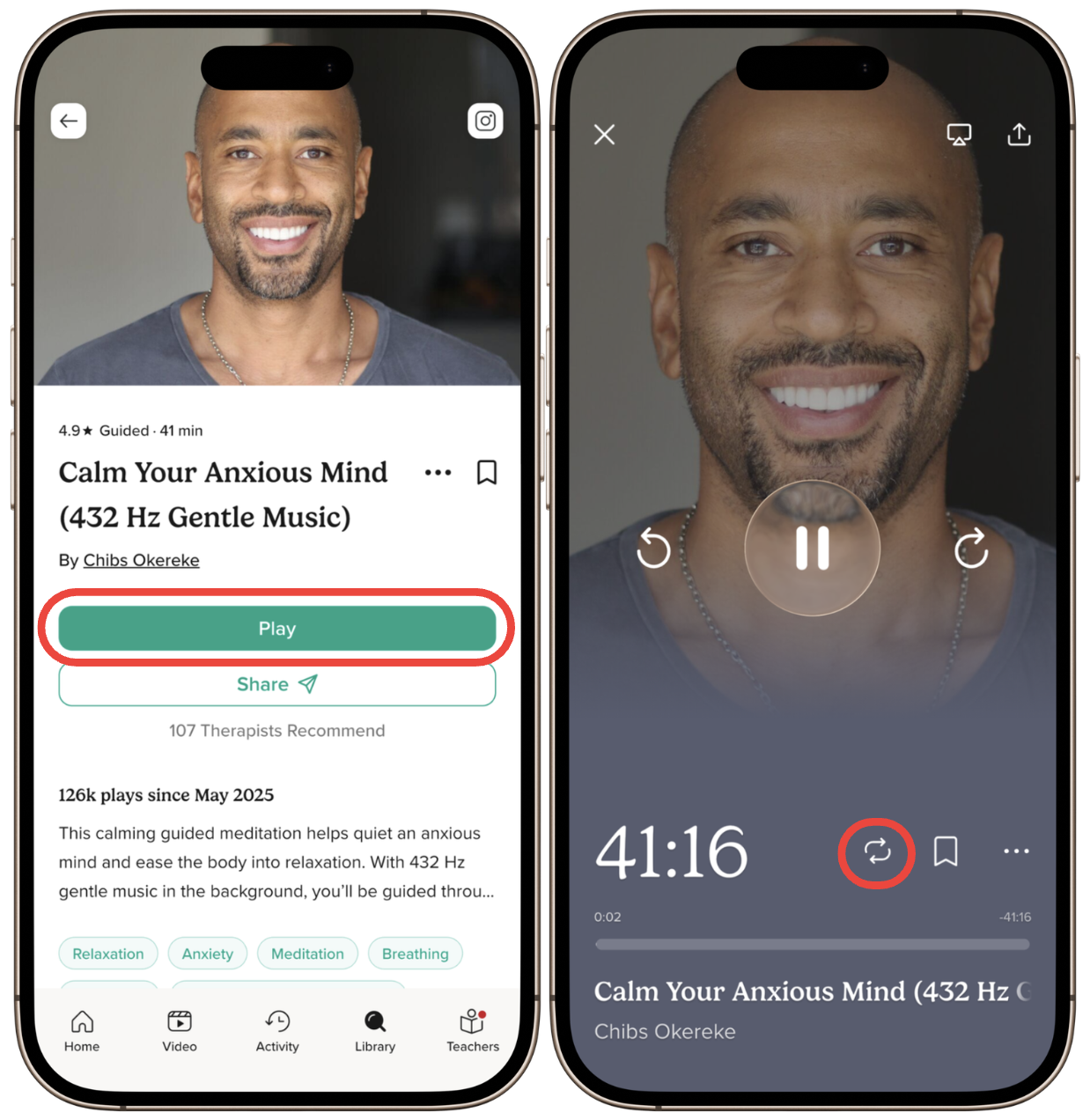
- Open your chosen meditation track and tap Play.
- On the player screen, locate the Repeat icon (circular arrows) on the right side.
- Tap the Repeat icon to turn it on.
Once enabled, the track will automatically restart each time it finishes, so you can keep meditating without interruption.